
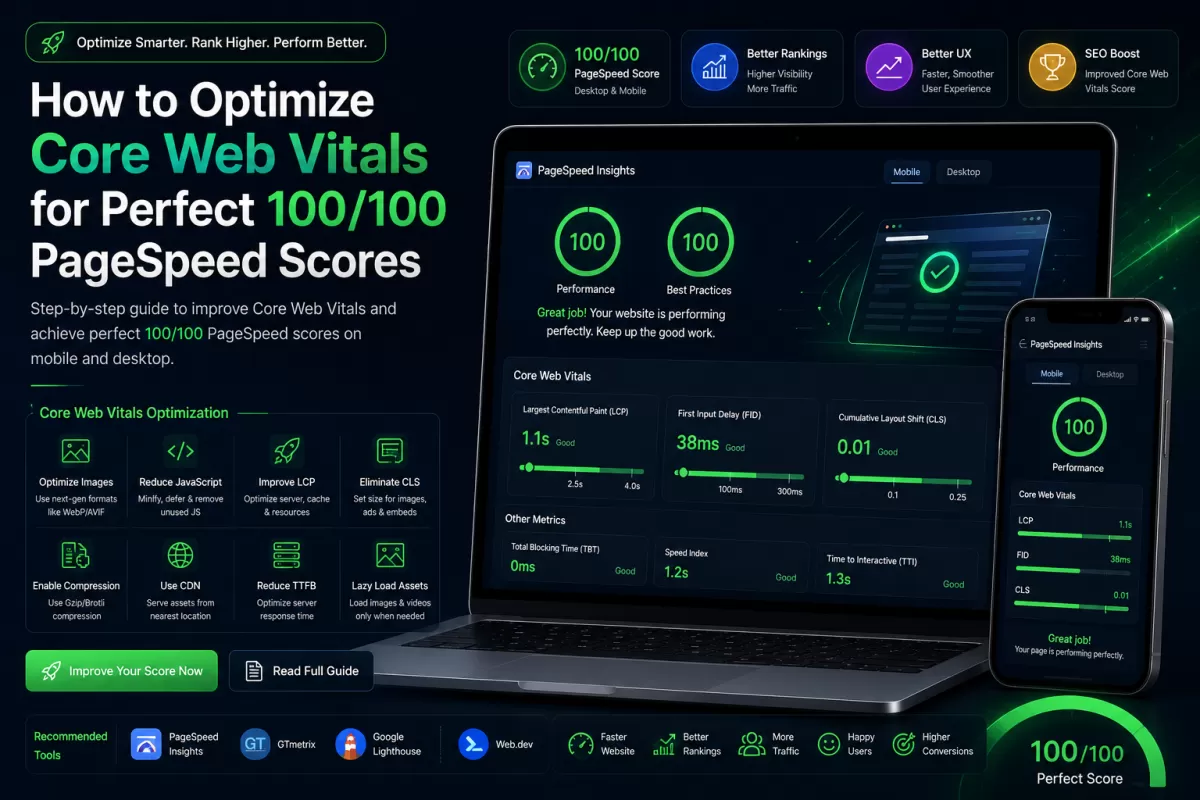
How to Optimize Core Web Vitals for Perfect 100/100 PageSpeed Scores
Achieving Perfection in Google PageSpeed Insights
In the highly competitive digital landscape of 2026, having a fast website is no longer a luxury—it is a strict requirement by Google. The search engine giant relies heavily on a set of metrics calledCore Web Vitalsto determine how pages rank in search results.
A slow website leads to terrible user experience, massive bounce rates, and catastrophic losses in revenue. Let's look at how to optimize the "Big Three" metrics to achieve that coveted 100/100 score.
1. Largest Contentful Paint (LCP)
LCP measures loading performance. Specifically, it measures how long it takes for the largest piece of content (usually a hero image, a video, or a large block of text) to render on the screen.
Goal:LCP should occur within2.5 secondsof when the page first starts loading.
How to Fix LCP:
- Preload Hero Images:Add a
<link rel="preload" as="image" href="...">tag to your document head so the browser downloads the hero image immediately. - Use Next-Gen Formats:Never serve standard JPGs or PNGs. Always convert images to WebP or AVIF formats.
- Implement a CDN:A Content Delivery Network (CDN) ensures your images and CSS are served from a server physically close to your user.
2. Interaction to Next Paint (INP)
INP recently replaced First Input Delay (FID). While FID only measured the first interaction, INP measures the overall responsiveness of the page throughout its entire lifecycle. If a user clicks a button and the page freezes for half a second before responding, your INP score will fail.
Goal:INP should be under200 milliseconds.
How to Fix INP:
- Defer Non-Critical JavaScript:Heavy JavaScript files block the main thread. Use the
deferattribute on your script tags so they load in the background. - Break Up Long Tasks:If you have a complex JavaScript calculation, use
setTimeout()to break it into smaller chunks, allowing the browser to respond to user clicks in between.
3. Cumulative Layout Shift (CLS)
CLS measures visual stability. Have you ever been reading an article, and suddenly an image loads, pushing the text down and making you lose your place? That is a layout shift, and Google penalizes it heavily.
Goal:CLS should be0.1 or less.
How to Fix CLS:
The most common cause of CLS is images without explicitly defined dimensions. Always include thewidthandheightattributes in your HTML, even if you are using CSS to make the image responsive.
<!-- BAD: Causes Layout Shift --> <img src="hero-banner.webp" alt="Hero Banner" /> <!-- GOOD: Browser reserves space before image loads --> <img src="hero-banner.webp" width="1200" height="600" alt="Hero Banner" />Conclusion
By focusing relentlessly on LCP, INP, and CLS, you will not only please Google’s search algorithms but also provide an incredibly smooth, app-like experience for your human visitors. Speed is a feature—treat it with the priority it deserves.


