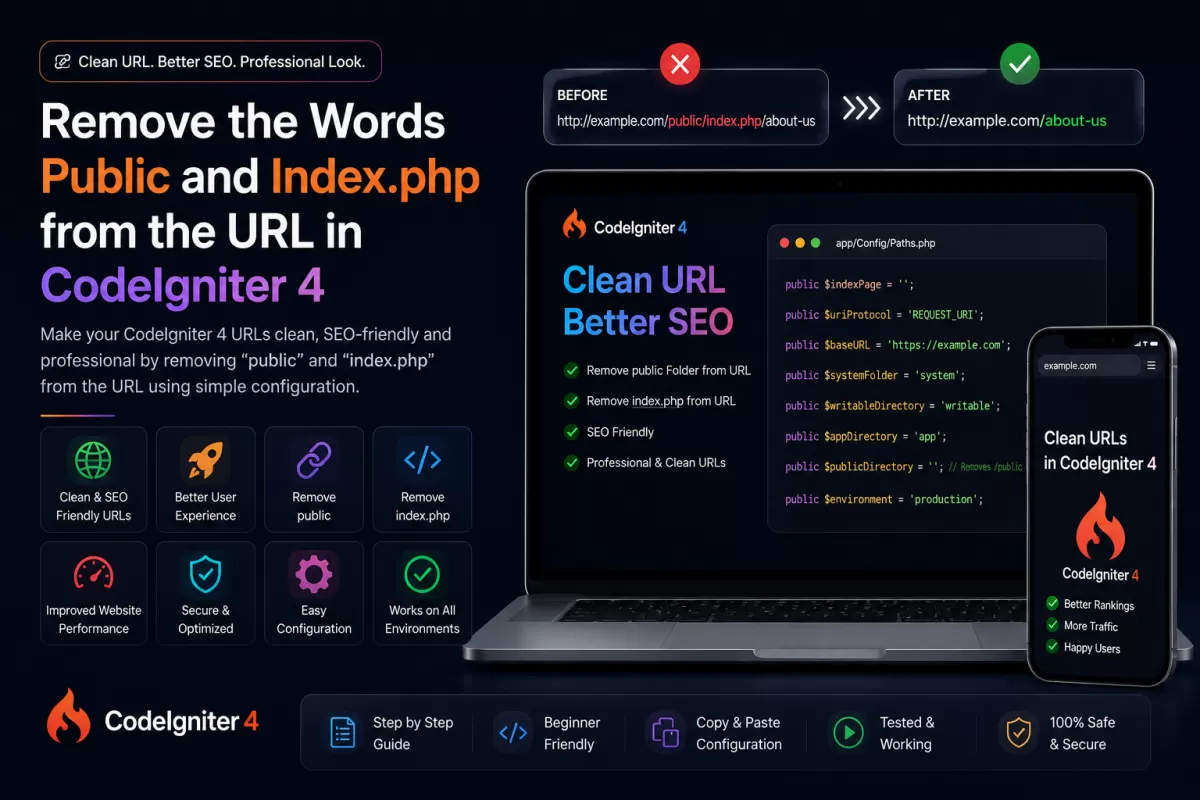
How to Remove 'public' and 'index.php' from URL in CodeIgniter 4
Why Remove public/index.php in CodeIgniter 4?
By default, CodeIgniter 4 includespublic/index.phpin its URLs (e.g.yourdomain.com/public/index.php/home). Removing it makes your URLs cleaner, professional, and much more SEO-friendly.
Step 1: Copy index.php and .htaccess
First, copy theindex.phpand.htaccessfiles from your CodeIgniter'spublicfolder and paste them directly into your project'srootfolder.
Step 2: Update index.php
Open theindex.phpfile you just pasted in the root directory and find the following line:
$pathsPath = realpath(FCPATH . '../app/Config/Paths.php');Change it to:
$pathsPath = realpath(FCPATH . 'app/Config/Paths.php');(We simply removed the../because the file is now in the root folder.)
Step 3: Update App.php Configuration
Navigate toapp/Config/App.phpand find the$baseURLsetting. Make sure it points to your domain without the public folder:
public $baseURL = 'http://localhost/your-project-name/';Next, find the$indexPagesetting and remove 'index.php' so it is completely empty:
public $indexPage = '';Step 4: Configure .htaccess
Open the.htaccessfile in your root directory and make sure it has the following standard Apache routing configuration to remove index.php:
RewriteEngine On RewriteCond %{REQUEST_FILENAME} !-f RewriteCond %{REQUEST_FILENAME} !-d RewriteRule ^(.*)$ index.php/$1 [L]That's it!Now your CodeIgniter 4 URLs will work perfectly without 'public' or 'index.php'. Test it by visitingyourdomain.com/home.